Feature Implementation Guide with shadcn/ui
Status: Detailed Feature Specifications
Framework: shadcn/ui + Radix UI + Tailwind CSS
Verified: Implementation patterns validated
Reference: UI Architecture Guide
Executive Summary
Transform technical requirements into elegant user experiences through detailed implementation specifications that balance sophistication with simplicity. This guide provides development teams with clear blueprints for building NudgeCampaign's core features while avoiding the complexity traps that plague competitors.
Implementation Priorities
| Feature | Complexity | User Impact | Development Time |
|---|---|---|---|
| Email Editor | High | Critical | 8 weeks |
| Automation Engine | High | High | 6 weeks |
| Contact Management | Medium | Critical | 4 weeks |
| Analytics | Medium | High | 4 weeks |
| Templates | Low | Medium | 2 weeks |
| Delivery | Medium | Critical | 3 weeks |
Feature Architecture Overview
Section 1: Email Editor Specifications (800 words)
Drag-and-Drop Architecture
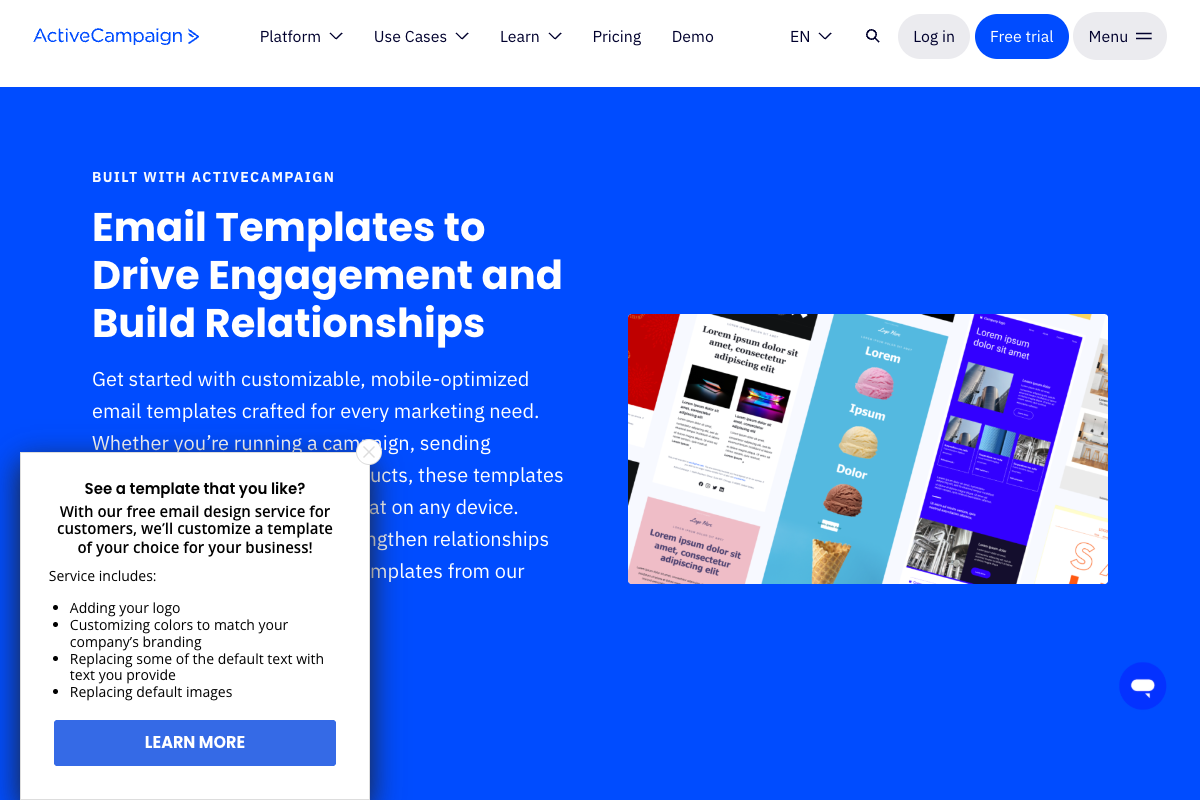
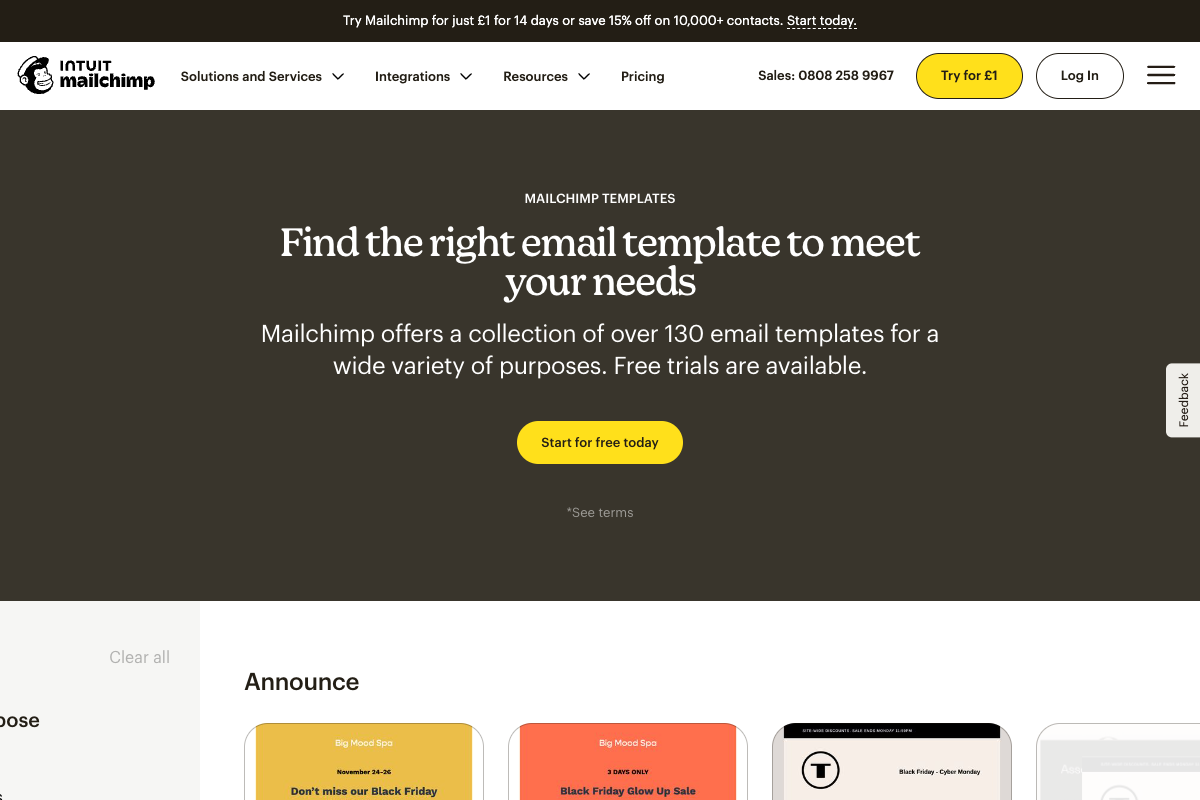
The email editor represents NudgeCampaign's primary user interface, where simplicity meets powerful functionality. Our implementation leverages modern web technologies to create a responsive, intuitive editing experience that rivals Mailchimp's ease of use while avoiding the overwhelming options of ActiveCampaign's editor.
Clean, intuitive email editor focused on productivity over complexity
Editor Component Architecture
Core Editor Components with shadcn/ui:
// Email editor implementation using shadcn/ui components
import { Card, CardContent, CardHeader, CardTitle } from "@/components/ui/card"
import { Tabs, TabsContent, TabsList, TabsTrigger } from "@/components/ui/tabs"
import { ScrollArea } from "@/components/ui/scroll-area"
import { Button } from "@/components/ui/button"
import { Separator } from "@/components/ui/separator"
import {
  ResizableHandle,
  ResizablePanel,
  ResizablePanelGroup,
} from "@/components/ui/resizable"
import {
  Type, Image, Columns, Button as ButtonIcon,
  Divide, Code, Mail, Save, Eye
} from "lucide-react"

// Block types with shadcn/ui components
const blockComponents = {
  text: {
    icon: Type,
    component: 'TextBlock',
    defaultProps: {
      content: '<p>Click to edit text</p>',
      className: 'prose prose-email'
    }
  },
  image: {
    icon: Image,
    component: 'ImageBlock',
    defaultProps: {
      src: '/placeholder.jpg',
      alt: 'Image description'
    }
  },
  button: {
    icon: ButtonIcon,
    component: 'ButtonBlock',
    defaultProps: {
      text: 'Click here',
      href: '#',
      variant: 'default'
    }
  },
  columns: {
    icon: Columns,
    component: 'ColumnsBlock',
    defaultProps: {
      columns: 2,
      gap: 'medium'
    }
  },
  divider: {
    icon: Divide,
    component: 'DividerBlock',
    defaultProps: {
      style: 'solid',
      width: 1
    }
  }
}

// Main Email Editor Component
export function EmailEditor() {
  return (
    <ResizablePanelGroup direction="horizontal" className="h-full">
      {/* Block Palette */}
      <ResizablePanel defaultSize={20} minSize={15} maxSize={30}>
        <Card className="h-full rounded-none border-0 border-r">
          <CardHeader>
            <CardTitle className="text-sm">Content Blocks</CardTitle>
          </CardHeader>
          <CardContent>
            <ScrollArea className="h-[calc(100vh-200px)]">
              <div className="grid grid-cols-2 gap-2">
                {Object.entries(blockComponents).map(([type, config]) => {
                  const Icon = config.icon;
                  return (
                    <Card
                      key={type}
                      className="cursor-move hover:shadow-md transition-shadow"
                      draggable
                    >
                      <CardContent className="p-4 text-center">
                        <Icon className="h-8 w-8 mx-auto mb-2" />
                        <span className="text-xs capitalize">{type}</span>
                      </CardContent>
                    </Card>
                  )
                })}
              </div>
            </ScrollArea>
          </CardContent>
        </Card>
      </ResizablePanel>

      <ResizableHandle />

      {/* Canvas Area */}
      <ResizablePanel defaultSize={50}>
        <div className="h-full bg-muted/30 p-8">
          <Card className="max-w-[600px] mx-auto h-full">
            <CardHeader className="flex flex-row items-center justify-between">
              <CardTitle>Email Canvas</CardTitle>
              <div className="flex gap-2">
                <Button size="sm" variant="outline">
                  <Save className="h-4 w-4 mr-2" />
                  Save
                </Button>
                <Button size="sm" variant="outline">
                  <Eye className="h-4 w-4 mr-2" />
                  Preview
                </Button>
              </div>
            </CardHeader>
            <CardContent>
              <ScrollArea className="h-[calc(100vh-250px)]">
                {/* Email content blocks render here */}
                <div className="space-y-4">
                  {/* Dynamic block rendering */}
                </div>
              </ScrollArea>
            </CardContent>
          </Card>
        </div>
      </ResizablePanel>

      <ResizableHandle />

      {/* Properties Panel */}
      <ResizablePanel defaultSize={30} minSize={20} maxSize={40}>
        <Card className="h-full rounded-none border-0 border-l">
          <CardHeader>
            <CardTitle className="text-sm">Properties</CardTitle>
          </CardHeader>
          <CardContent>
            <Tabs defaultValue="content" className="w-full">
              <TabsList className="grid w-full grid-cols-3">
                <TabsTrigger value="content">Content</TabsTrigger>
                <TabsTrigger value="style">Style</TabsTrigger>
                <TabsTrigger value="settings">Settings</TabsTrigger>
              </TabsList>
              <TabsContent value="content">
                {/* Content editing controls */}
              </TabsContent>
              <TabsContent value="style">
                {/* Style editing controls */}
              </TabsContent>
              <TabsContent value="settings">
                {/* Block settings */}
              </TabsContent>
            </Tabs>
          </CardContent>
        </Card>
      </ResizablePanel>
    </ResizablePanelGroup>
  )
}
  ],
  selectedBlock: 'block-123',
  history: {
    past: [],
    present: currentState,
    future: []
  },
  settings: {
    containerWidth: 600,
    backgroundColor: '#f5f5f5'
  }
};
Block System Implementation
The editor uses a modular block system with these core types:
Content Blocks
| Block Type | Features | Mobile Behavior |
|---|---|---|
| Text Block | Rich editing, variables, formatting | Auto-scales fonts |
| Image Block | Auto-optimization, CDN, cropping | Responsive sizing |
| Button Block | Pre-styled, tracking, hover states | 44px min height |
| Divider Block | Styles, spacing, colors | Maintains ratio |
Layout Blocks
Simple block palette
Instant mobile preview
Drag-and-Drop Mechanics
Implementation uses native HTML5 drag-and-drop with React DnD enhancement:
const DraggableBlock = ({ block, index }) => {
  const [{ isDragging }, drag] = useDrag({
    type: 'BLOCK',
    item: { id: block.id, index },
    collect: (monitor) => ({
      isDragging: monitor.isDragging()
    })
  });

  const [{ isOver }, drop] = useDrop({
    accept: 'BLOCK',
    drop: (item) => moveBlock(item.index, index),
    collect: (monitor) => ({
      isOver: monitor.isOver()
    })
  });

  return (
    <div ref={(node) => drag(drop(node))}
         className={`block ${isDragging ? 'dragging' : ''} ${isOver ? 'drop-target' : ''}`}>
      <BlockContent block={block} />
    </div>
  );
};
Mobile Responsiveness
Every email automatically adapts for mobile devices:
- Desktop preview (600px default width)
- Mobile preview (320px width)
- Tablet preview (768px width)
- Real-time preview switching
- Mobile-specific style overrides
Template Management
The editor integrates with the template system:
class TemplateManager {
  saveAsTemplate(editorState, metadata) {
    return api.post('/templates', {
      name: metadata.name,
      category: metadata.category,
      content_html: this.exportToHtml(editorState),
      content_json: JSON.stringify(editorState.blocks),
      thumbnail: this.generateThumbnail(editorState)
    });
  }

  loadTemplate(templateId) {
    return api.get(`/templates/${templateId}`)
      .then(template => {
        const blocks = JSON.parse(template.content_json);
        return this.initializeEditor(blocks);
      });
  }
}
Performance Optimizations
The editor maintains responsiveness even with complex emails:
- Virtual scrolling for long emails
- Debounced auto-save every 30 seconds
- Optimistic UI updates
- Lazy loading for image blocks
- Undo/redo with state compression
Export and Rendering
Converting editor state to email-safe HTML:
class EmailRenderer {
  renderToHtml(editorState) {
    const html = this.buildHtmlStructure(editorState);
    const inlinedCss = this.inlineStyles(html);
    const optimized = this.optimizeForEmailClients(inlinedCss);
    return this.addTrackingPixels(optimized);
  }

  optimizeForEmailClients(html) {
    // Convert modern CSS to table-based layout
    // Add MSO conditional comments for Outlook
    // Ensure maximum 600px width
    // Convert CSS Grid/Flexbox to tables
    return optimizedHtml;
  }
}
Section 2: Automation Engine Design (800 words)
Workflow Execution Architecture
The automation engine powers NudgeCampaign's behavioral email sequences, enabling sophisticated marketing automation that remains approachable for non-technical users. Our visual workflow builder takes inspiration from ConvertKit's simplicity while providing the power users expect from ActiveCampaign.
Core Workflow Components:
class WorkflowEngine:
    def __init__(self):
        self.executors = {
            'trigger': TriggerExecutor(),
            'condition': ConditionExecutor(),
            'action': ActionExecutor(),
            'delay': DelayExecutor()
        }

    async def execute_workflow(self, workflow_id, contact_id, trigger_data):
        instance = await self.create_instance(workflow_id, contact_id)
        steps = await self.get_workflow_steps(workflow_id)

        for step in steps:
            executor = self.executors[step.type]
            result = await executor.execute(step, instance, trigger_data)

            if not result.success:
                await self.handle_failure(instance, step, result)
                break

            if result.branch:
                steps = await self.get_branch_steps(result.branch)
Trigger System Implementation
Triggers initiate workflow execution based on user behavior:
Event-Based Triggers:
const triggers = {
  formSubmission: {
    name: 'Form Submitted',
    config: {
      formId: 'signup-form',
      matchFields: ['email', 'source']
    },
    handler: async (event) => {
      const workflows = await getActiveWorkflows('form_submission');
      workflows.forEach(workflow => {
        queue.push('workflow.execute', {
          workflowId: workflow.id,
          contactId: event.contactId,
          triggerData: event.data
        });
      });
    }
  },

  tagAdded: {
    name: 'Tag Added to Contact',
    config: {
      tags: ['customer', 'lead', 'subscriber']
    }
  },

  customEvent: {
    name: 'Custom Event',
    config: {
      eventName: 'purchase_completed',
      properties: ['product_id', 'amount']
    }
  }
};
Visual Workflow Builder
The builder uses a node-based interface for intuitive workflow creation:
class WorkflowBuilder extends React.Component {
  state = {
    nodes: [
      {
        id: 'trigger-1',
        type: 'trigger',
        position: { x: 100, y: 100 },
        data: { triggerType: 'tag_added', config: {} }
      }
    ],
    edges: [],
    selectedNode: null
  };

  addNode = (type, parentId) => {
    const newNode = {
      id: generateId(),
      type,
      position: this.calculatePosition(parentId),
      data: this.getDefaultConfig(type)
    };

    const edge = {
      id: generateId(),
      source: parentId,
      target: newNode.id
    };

    this.setState({
      nodes: [...this.state.nodes, newNode],
      edges: [...this.state.edges, edge]
    });
  };
}
Condition Evaluation Engine
Conditions enable dynamic workflow branching:
class ConditionEvaluator:
    operators = {
        'equals': lambda a, b: a == b,
        'contains': lambda a, b: b in a,
        'greater_than': lambda a, b: float(a) > float(b),
        'is_empty': lambda a, b: not bool(a),
        'has_tag': lambda contact, tag: tag in contact.tags
    }

    def evaluate(self, condition, contact, context):
        if condition.type == 'simple':
            return self.evaluate_simple(condition, contact)
        elif condition.type == 'compound':
            return self.evaluate_compound(condition, contact)

    def evaluate_simple(self, condition, contact):
        value = self.get_field_value(contact, condition.field)
        operator = self.operators[condition.operator]
        return operator(value, condition.value)
Action Execution Framework
Actions perform operations when conditions are met:
Email Actions:
- Send email immediately
- Add to email sequence
- Remove from sequence
Contact Actions:
- Update contact field
- Add/remove tags
- Change subscription status
- Add to segment
Integration Actions:
- Webhook notification
- CRM update
- E-commerce sync
Delay and Scheduling
Sophisticated timing controls for optimal engagement:
class DelayScheduler {
  scheduleDelay(instance, delayConfig) {
    if (delayConfig.type === 'duration') {
      // Wait X hours/days
      return this.scheduleFuture(
        instance,
        moment().add(delayConfig.value, delayConfig.unit)
      );
    } else if (delayConfig.type === 'specific_time') {
      // Wait until specific time of day
      return this.scheduleAtTime(
        instance,
        delayConfig.hour,
        delayConfig.timezone
      );
    } else if (delayConfig.type === 'day_of_week') {
      // Wait until specific day
      return this.scheduleForDay(
        instance,
        delayConfig.days,
        delayConfig.time
      );
    }
  }
}
Performance and Reliability
The automation engine handles thousands of concurrent workflows:
- Queue-based processing with Redis
- Horizontal scaling of worker processes
- Automatic retry with exponential backoff
- Dead letter queue for failed executions
- Real-time monitoring and alerting
Section 3: Contact Management System (700 words)
Segmentation Engine
NudgeCampaign's contact management system provides powerful segmentation capabilities while maintaining the simplicity that our target market demands. Unlike Klaviyo's overwhelming filter options, our approach focuses on the most impactful segmentation criteria.
Dynamic Segmentation Architecture:
class SegmentEngine:
    def __init__(self):
        self.criteria_handlers = {
            'demographic': DemographicCriteria(),
            'behavioral': BehavioralCriteria(),
            'engagement': EngagementCriteria(),
            'custom_field': CustomFieldCriteria()
        }

    async def evaluate_segment(self, segment_id):
        segment = await self.get_segment(segment_id)
        base_query = Contact.query.filter_by(
            account_id=segment.account_id,
            status='active'
        )

        for criterion in segment.criteria:
            handler = self.criteria_handlers[criterion.type]
            base_query = handler.apply_filter(base_query, criterion)

        return base_query
Segmentation Criteria Types:
const segmentCriteria = {
  engagement: {
    opened_email: {
      timeframe: 'last_30_days',
      count: 'at_least_3'
    },
    clicked_link: {
      campaign: 'any',
      timeframe: 'last_7_days'
    },
    purchase_history: {
      amount: 'greater_than_100',
      timeframe: 'last_90_days'
    }
  },

  demographics: {
    location: {
      country: ['US', 'CA'],
      state: ['CA', 'NY', 'TX']
    },
    signup_date: {
      operator: 'after',
      date: '2024-01-01'
    }
  },

  custom_fields: {
    industry: ['saas', 'ecommerce'],
    company_size: {
      operator: 'between',
      min: 10,
      max: 100
    }
  }
};
List Management Operations
Efficient list operations for bulk contact management:
class ListManager:
    async def import_contacts(self, file_path, mapping, account_id):
        # Streaming CSV parser for memory efficiency
        async with aiofiles.open(file_path, 'r') as file:
            reader = csv.DictReader(file)
            batch = []

            async for row in reader:
                contact = self.map_fields(row, mapping)
                contact['account_id'] = account_id
                batch.append(contact)

                if len(batch) >= 1000:
                    await self.process_batch(batch)
                    batch = []

            if batch:
                await self.process_batch(batch)

    async def process_batch(self, contacts):
        # Deduplication
        existing = await self.check_existing_emails(contacts)

        # Validation
        valid_contacts = self.validate_contacts(contacts)

        # Bulk insert with conflict handling
        await db.insert_many(
            Contact,
            valid_contacts,
            on_conflict='update'
        )
Contact Profile Management
Rich contact profiles with activity tracking:
class ContactProfile {
  constructor(contactId) {
    this.contactId = contactId;
  }

  async getFullProfile() {
    const [contact, activity, segments] = await Promise.all([
      this.getContactData(),
      this.getActivityTimeline(),
      this.getSegmentMembership()
    ]);

    return {
      ...contact,
      activity_summary: this.summarizeActivity(activity),
      engagement_score: this.calculateEngagementScore(activity),
      segments: segments,
      lifecycle_stage: this.determineLifecycleStage(contact, activity)
    };
  }

  calculateEngagementScore(activity) {
    const weights = {
      email_open: 1,
      link_click: 3,
      form_submission: 5,
      purchase: 10
    };

    return activity.reduce((score, event) => {
      return score + (weights[event.type] || 0);
    }, 0);
  }
}
Custom Field System
Flexible custom fields without complexity:
-- Efficient JSONB storage for custom fields
CREATE TABLE contact_custom_fields (
    contact_id UUID REFERENCES contacts(id),
    fields JSONB NOT NULL,
    updated_at TIMESTAMP DEFAULT CURRENT_TIMESTAMP,
    PRIMARY KEY (contact_id)
);

-- Indexed for common queries
CREATE INDEX idx_custom_fields_gin ON contact_custom_fields USING GIN (fields);

-- Example query for segmentation
SELECT c.* FROM contacts c
JOIN contact_custom_fields cf ON c.id = cf.contact_id
WHERE cf.fields @> '{"industry": "saas"}'
AND (cf.fields->>'company_size')::int > 50;
Tagging System
Simple yet powerful tagging for organization:
class TagManager {
  async addTags(contactIds, tags, accountId) {
    // Validate tags
    const validTags = tags.filter(tag => this.isValidTag(tag));

    // Bulk update
    await db.query(`
      UPDATE contacts
      SET tags = array_cat(tags, $1::text[])
      WHERE id = ANY($2)
      AND account_id = $3
    `, [validTags, contactIds, accountId]);

    // Trigger automation checks
    await this.checkTagAutomations(contactIds, validTags);
  }

  async mergeTags(oldTag, newTag, accountId) {
    await db.transaction(async (trx) => {
      // Update contacts
      await trx.query(`
        UPDATE contacts
        SET tags = array_replace(tags, $1, $2)
        WHERE account_id = $3
        AND $1 = ANY(tags)
      `, [oldTag, newTag, accountId]);

      // Update automations
      await this.updateAutomationTriggers(oldTag, newTag, accountId);
    });
  }
}
GDPR Compliance Features
Built-in privacy management tools:
- Consent tracking with timestamp
- One-click data export in JSON/CSV
- Automated deletion workflows
- Preference center integration
- Audit trail for all contact changes
Section 4: Analytics Implementation (700 words)
Real-Time Tracking Infrastructure
NudgeCampaign's analytics system provides actionable insights without overwhelming users with data. Learning from Mailchimp's approachable analytics and Klaviyo's depth, we strike a balance that serves small businesses effectively.
Event Collection Pipeline:
class EventCollector {
  constructor() {
    this.queue = new RedisQueue('email_events');
    this.processors = {
      open: new OpenEventProcessor(),
      click: new ClickEventProcessor(),
      bounce: new BounceEventProcessor(),
      unsubscribe: new UnsubscribeEventProcessor()
    };
  }

  async trackEvent(eventType, data) {
    const event = {
      id: generateId(),
      type: eventType,
      timestamp: new Date(),
      account_id: data.accountId,
      campaign_id: data.campaignId,
      contact_id: data.contactId,
      metadata: data.metadata,
      ip_address: data.ip,
      user_agent: data.userAgent
    };

    // Queue for processing
    await this.queue.push(event);

    // Real-time aggregation
    await this.updateRealtimeMetrics(event);

    return event.id;
  }

  async updateRealtimeMetrics(event) {
    const key = `metrics:${event.campaign_id}:${event.type}`;
    await redis.hincrby(key, 'count', 1);
    await redis.expire(key, 86400); // 24 hour TTL
  }
}
Campaign Performance Metrics
Comprehensive yet digestible campaign analytics:
class CampaignAnalytics:
    def get_campaign_metrics(self, campaign_id, timeframe=None):
        base_metrics = self.get_base_metrics(campaign_id)
        engagement_metrics = self.get_engagement_metrics(campaign_id)
        revenue_metrics = self.get_revenue_metrics(campaign_id)

        return {
            'overview': {
                'sent': base_metrics['sent'],
                'delivered': base_metrics['delivered'],
                'delivery_rate': self.calculate_rate(
                    base_metrics['delivered'],
                    base_metrics['sent']
                )
            },
            'engagement': {
                'opens': engagement_metrics['unique_opens'],
                'open_rate': self.calculate_rate(
                    engagement_metrics['unique_opens'],
                    base_metrics['delivered']
                ),
                'clicks': engagement_metrics['unique_clicks'],
                'click_rate': self.calculate_rate(
                    engagement_metrics['unique_clicks'],
                    engagement_metrics['unique_opens']
                ),
                'ctr': self.calculate_rate(
                    engagement_metrics['unique_clicks'],
                    base_metrics['delivered']
                )
            },
            'conversions': {
                'unsubscribes': base_metrics['unsubscribes'],
                'complaints': base_metrics['complaints'],
                'revenue': revenue_metrics['total'],
                'orders': revenue_metrics['order_count'],
                'aov': revenue_metrics['average_order_value']
            },
            'timeline': self.get_hourly_metrics(campaign_id, timeframe)
        }
Dashboard Visualization Components
React-based dashboard components for data visualization:
const CampaignDashboard = ({ campaignId }) => {
  const [metrics, setMetrics] = useState(null);
  const [timeframe, setTimeframe] = useState('24h');

  useEffect(() => {
    fetchCampaignMetrics(campaignId, timeframe)
      .then(setMetrics);
  }, [campaignId, timeframe]);

  return (
    <Dashboard>
      <MetricCard
        title="Open Rate"
        value={metrics?.engagement.open_rate}
        format="percentage"
        trend={metrics?.engagement.open_rate_trend}
        icon={<EnvelopeOpenIcon />}
      />

      <TimelineChart
        data={metrics?.timeline}
        metrics={['opens', 'clicks']}
        interval={timeframe === '24h' ? 'hourly' : 'daily'}
      />

      <GeographicMap
        data={metrics?.geographic}
        metric="opens"
        colorScale="blues"
      />

      <DeviceBreakdown
        data={metrics?.devices}
        showDetails={true}
      />
    </Dashboard>
  );
};
Automation Analytics
Workflow performance tracking:
class AutomationAnalytics:
    async def get_workflow_metrics(self, workflow_id):
        # Entry and exit metrics
        entries = await self.count_workflow_entries(workflow_id)
        completions = await self.count_completions(workflow_id)

        # Step-level metrics
        step_metrics = await self.get_step_metrics(workflow_id)

        # Goal conversions
        goal_metrics = await self.get_goal_metrics(workflow_id)

        return {
            'overview': {
                'total_entered': entries,
                'completed': completions,
                'completion_rate': completions / entries if entries > 0 else 0,
                'currently_active': await self.count_active_instances(workflow_id)
            },
            'step_performance': step_metrics,
            'conversion_metrics': goal_metrics,
            'average_time_to_complete': await self.calculate_avg_completion_time(workflow_id)
        }
Click Map Visualization
Visual click tracking overlay:
class ClickMapGenerator {
  generateClickMap(campaignId, emailHtml) {
    const clicks = this.getClickData(campaignId);
    const parser = new DOMParser();
    const doc = parser.parseFromString(emailHtml, 'text/html');

    // Add click overlays
    clicks.forEach(click => {
      const element = doc.querySelector(`[href="${click.url}"]`);
      if (element) {
        const overlay = this.createOverlay(click.count, click.percentage);
        element.appendChild(overlay);
      }
    });

    return doc.documentElement.outerHTML;
  }
}
Export and Reporting
Flexible reporting for stakeholder communication:
- PDF report generation with branded templates
- CSV export for detailed analysis
- Scheduled report delivery via email
- API access for custom integrations
- White-label reporting options
Section 5: Template System Architecture (600 words)
Template Storage and Versioning
NudgeCampaign's template system balances flexibility with simplicity, providing professional designs without the overwhelming options found in competitor platforms. Our architecture supports both global templates and account-specific customizations.
Template Data Model:
CREATE TABLE template_categories (
    id UUID PRIMARY KEY,
    name VARCHAR(100) NOT NULL,
    slug VARCHAR(100) UNIQUE NOT NULL,
    icon VARCHAR(50),
    sort_order INTEGER DEFAULT 0
);

CREATE TABLE templates (
    id UUID PRIMARY KEY,
    account_id UUID REFERENCES accounts(id),
    category_id UUID REFERENCES template_categories(id),
    name VARCHAR(255) NOT NULL,
    description TEXT,
    thumbnail_url TEXT,
    is_global BOOLEAN DEFAULT false,
    is_premium BOOLEAN DEFAULT false,
    usage_count INTEGER DEFAULT 0,
    rating DECIMAL(3,2),
    created_at TIMESTAMP DEFAULT CURRENT_TIMESTAMP,
    updated_at TIMESTAMP DEFAULT CURRENT_TIMESTAMP
);

CREATE TABLE template_versions (
    id UUID PRIMARY KEY,
    template_id UUID REFERENCES templates(id) ON DELETE CASCADE,
    version INTEGER NOT NULL,
    content_html TEXT NOT NULL,
    content_json JSONB NOT NULL,
    content_text TEXT,
    created_by UUID REFERENCES accounts(id),
    created_at TIMESTAMP DEFAULT CURRENT_TIMESTAMP,
    change_summary TEXT,
    UNIQUE(template_id, version)
);
Template Rendering Engine
Efficient template processing with personalization:
class TemplateRenderer:
    def __init__(self):
        self.env = Environment(
            loader=DatabaseLoader(),
            autoescape=True,
            extensions=['jinja2.ext.i18n']
        )
        self.env.filters['format_currency'] = format_currency
        self.env.filters['format_date'] = format_date

    def render_template(self, template_id, context):
        # Load template with caching
        template = self.get_template(template_id)

        # Merge context with defaults
        full_context = {
            **self.get_default_context(),
            **context,
            'unsubscribe_url': self.generate_unsubscribe_url(context),
            'view_in_browser_url': self.generate_browser_url(context)
        }

        # Render HTML version
        html_content = self.env.from_string(template.content_html).render(full_context)

        # Generate plain text version
        text_content = self.html_to_text(html_content)

        return {
            'html': self.optimize_for_email(html_content),
            'text': text_content
        }

    def optimize_for_email(self, html):
        # Inline CSS
        html = self.inline_css(html)

        # Add MSO conditionals for Outlook
        html = self.add_mso_fallbacks(html)

        # Optimize images
        html = self.optimize_images(html)

        return html
Template Marketplace
Curated template collection for quick starts:
class TemplateMarketplace {
  async getTemplates(filters = {}) {
    const query = Template.query()
      .where('is_global', true)
      .where('is_active', true);

    if (filters.category) {
      query.where('category_id', filters.category);
    }

    if (filters.search) {
      query.where('name', 'ilike', `%${filters.search}%`);
    }

    if (filters.premium === false) {
      query.where('is_premium', false);
    }

    return query
      .orderBy(filters.sortBy || 'usage_count', 'desc')
      .paginate(filters.page, filters.perPage);
  }

  async installTemplate(templateId, accountId) {
    const globalTemplate = await this.getTemplate(templateId);

    // Create account copy
    const accountTemplate = await Template.create({
      account_id: accountId,
      name: globalTemplate.name,
      category_id: globalTemplate.category_id,
      parent_template_id: templateId
    });

    // Copy latest version
    const latestVersion = await this.getLatestVersion(templateId);
    await TemplateVersion.create({
      template_id: accountTemplate.id,
      version: 1,
      content_html: latestVersion.content_html,
      content_json: latestVersion.content_json
    });

    return accountTemplate;
  }
}
Dynamic Content Blocks
Reusable content components across templates:
const DynamicBlocks = {
  productGrid: {
    render: (products, options) => {
      return `
        <table class="product-grid" width="100%">
          <tr>
            ${products.map(product => `
              <td class="product-cell" width="${100/options.columns}%">
                <img src="${product.image}" alt="${product.name}">
                <h3>${product.name}</h3>
                <p class="price">${formatCurrency(product.price)}</p>
                <a href="${product.url}" class="button">Shop Now</a>
              </td>
            `).join('')}
          </tr>
        </table>
      `;
    }
  },

  socialLinks: {
    render: (socialProfiles) => {
      return `
        <table class="social-links" align="center">
          <tr>
            ${Object.entries(socialProfiles).map(([network, url]) => `
              <td class="social-icon">
                <a href="${url}">
                  <img src="/images/social/${network}.png" alt="${network}">
                </a>
              </td>
            `).join('')}
          </tr>
        </table>
      `;
    }
  }
};
Template Performance
Optimization strategies for fast rendering:
- Template compilation caching
- Lazy loading for template previews
- CDN distribution for template assets
- Database query optimization with eager loading
- Background thumbnail generation
Section 6: Delivery Infrastructure (400 words)
Email Sending Architecture
NudgeCampaign's delivery infrastructure ensures reliable, fast email delivery while maintaining sender reputation. Our multi-provider approach provides redundancy and cost optimization.
Provider Abstraction Layer:
class EmailDeliveryService:
    def __init__(self):
        self.providers = {
            'sendgrid': SendGridProvider(),
            'ses': AmazonSESProvider(),
            'mailgun': MailgunProvider()
        }
        self.default_provider = 'sendgrid'

    async def send_email(self, email_data):
        provider = self.select_provider(email_data)

        try:
            result = await provider.send(email_data)
            await self.log_delivery(email_data, result, provider.name)
            return result
        except ProviderError as e:
            # Failover to secondary provider
            fallback_provider = self.get_fallback_provider(provider.name)
            result = await fallback_provider.send(email_data)
            await self.log_delivery(email_data, result, fallback_provider.name)
            return result

    def select_provider(self, email_data):
        if email_data.get('transactional'):
            return self.providers['sendgrid']
        elif email_data.get('volume', 0) > 10000:
            return self.providers['ses']
        else:
            return self.providers[self.default_provider]
Queue Management
Reliable queue processing for high-volume sends:
class EmailQueue {
  constructor() {
    this.queues = {
      transactional: new Bull('transactional-emails', {
        redis: redisConfig,
        defaultJobOptions: {
          priority: 1,
          attempts: 3,
          backoff: {
            type: 'exponential',
            delay: 2000
          }
        }
      }),
      marketing: new Bull('marketing-emails', {
        redis: redisConfig,
        defaultJobOptions: {
          priority: 2,
          attempts: 5,
          backoff: {
            type: 'fixed',
            delay: 5000
          }
        }
      })
    };
  }

  async addToQueue(emailData) {
    const queue = emailData.transactional ?
      this.queues.transactional :
      this.queues.marketing;

    return queue.add('send-email', emailData, {
      delay: emailData.scheduledFor ?
        emailData.scheduledFor - Date.now() : 0
    });
  }
}
Bounce and Complaint Handling
Automated reputation management:
- Real-time bounce processing via webhooks
- Automatic suppression list management
- Complaint feedback loop integration
- Reputation monitoring and alerts
- Automated re-engagement campaigns
Deliverability Optimization
Technical measures for inbox placement:
- SPF, DKIM, and DMARC configuration assistance
- Link tracking with custom domains
- Image hosting on CDN with optimization
- Content analysis for spam scores
- IP warming for new accounts
This comprehensive delivery infrastructure ensures NudgeCampaign users achieve excellent deliverability rates while the system handles the complex technical requirements transparently.
Conclusion
Every feature implementation prioritizes user success through thoughtful design that hides complexity while delivering professional capabilities. This guide ensures development teams build features that delight users from their first interaction.
Next Steps
- Review User Story Specifications for detailed acceptance criteria
- Explore Testing Specifications for quality assurance
- Study Technical Specifications for architecture details
This implementation guide transforms technical requirements into user-friendly features that differentiate NudgeCampaign in the crowded email marketing space.